Back to Tools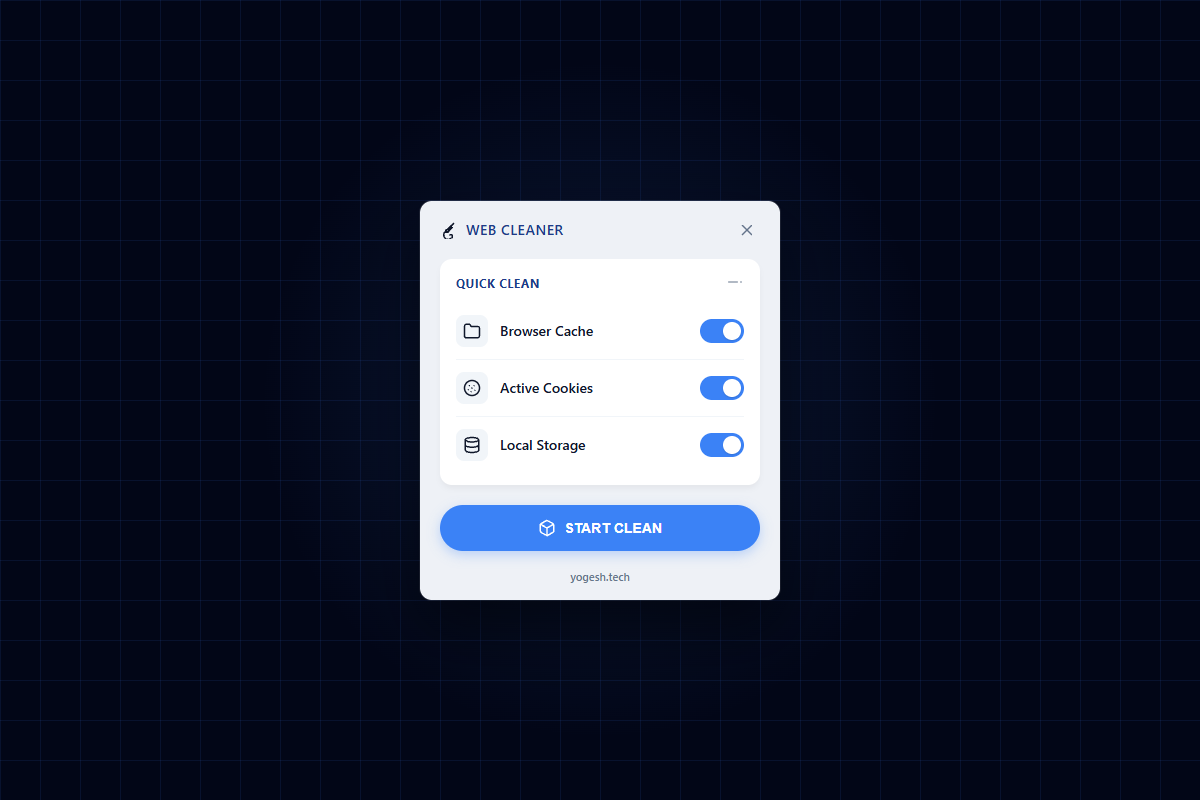 Reach out via Email
Reset Site Extension
FeaturedReset Site is a developer-focused utility that allows you to start fresh on any domain with a single click. It securely clears localStorage, sessionStorage, cookies, and cache targeting only the active tab's domain.
How it works
- 1
Download and extract the ZIP file below.
- 2
Go to chrome://extensions/ and toggle 'Developer mode' ON.
- 3
Click 'Load unpacked' and select the extracted folder.
- 4
Pin the extension and click it on any site to clear local data instantly!
Benefits
Faster debugging for frontend applications.
No more digging through DevTools to clear storage.
Safe and domain-isolated.
Have feedback or feature requests?
Help shape the future of this tool.